Rental Management for HOA Management Firms
Why It Matters
Every Rental Runs on
Somebody Else’s Money.
Rent for one owner, a deposit for a tenant, a reserve for the next repair, your fee for the month. When those balances live in a spreadsheet beside the bank account, nobody can say whose money is whose until the month is reconciled. And the deadlines that carry penalties, the deposit statement and the notice to pay, run on a calendar somebody has to remember.
Owners’ Money in Trust
Every Dollar Belongs
to Someone by Name.
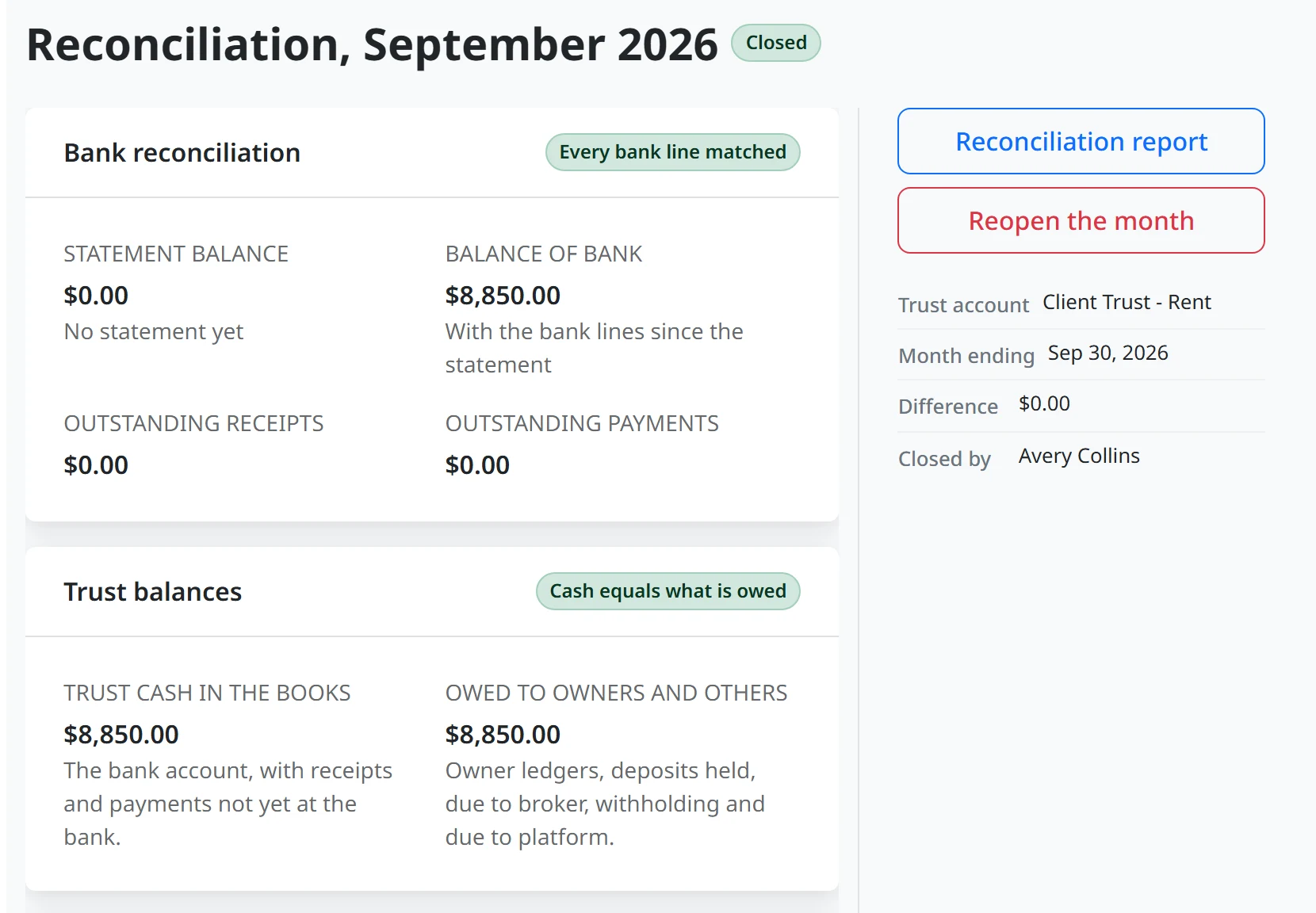
Owners’ money is tracked per owner and per property inside the trust books: owner funds, tenant deposits, prepaid rent and your earned fees, each kept apart. The month closes in the order a trust accountant works it: approve the bills, match the bank, reconcile, work out what each owner is due, send the owner statements.
A month does not close until it balances. An owner below zero is an exception to resolve on the reconciliation, not a surprise at year end.
Bills within the owner’s repair limit are yours to approve. Anything above it waits for the owner, who approves or declines it in their own portal.
Late Rent
The Pay-or-Quit Notice
Keeps the State’s Clock.
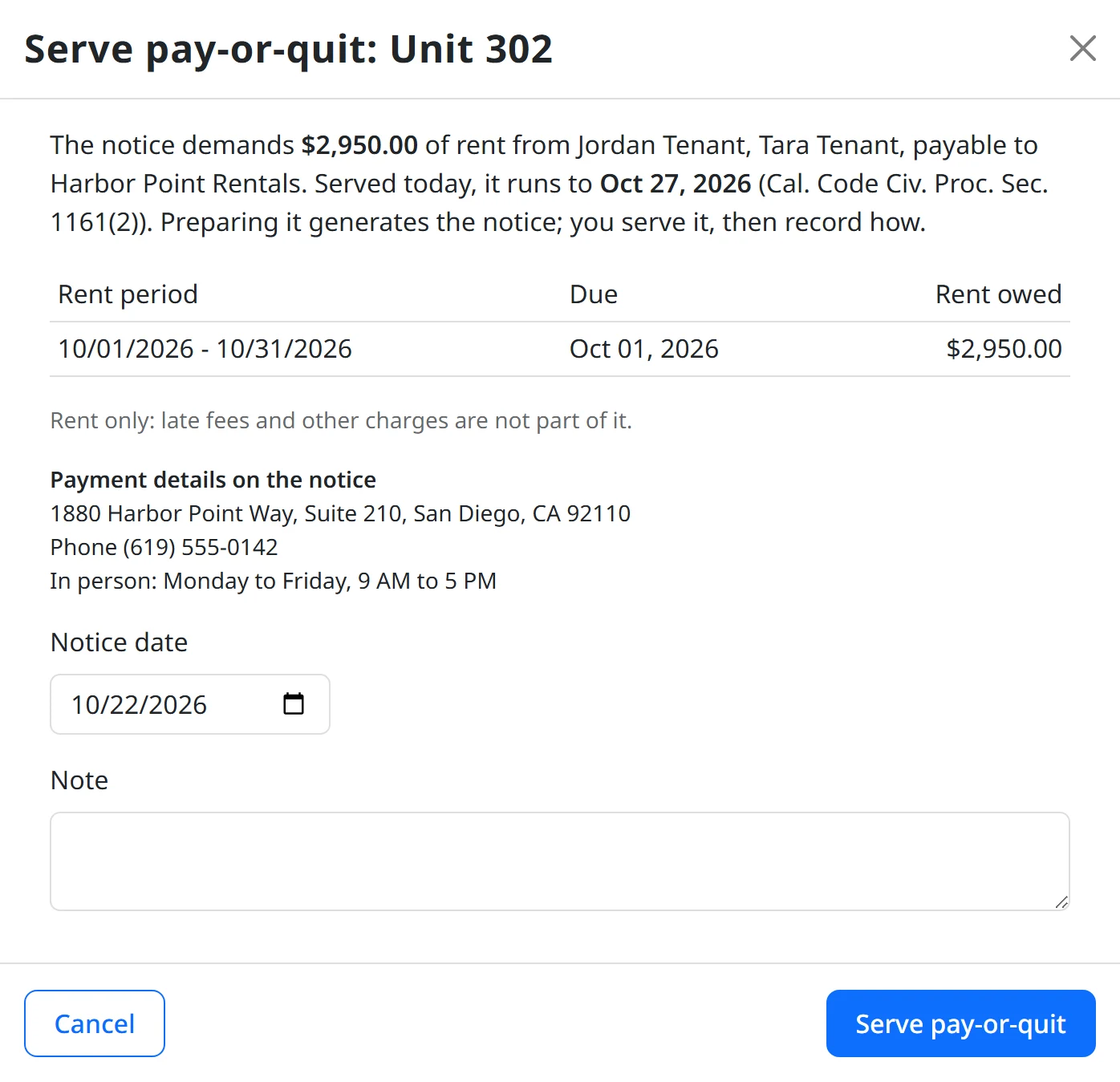
Delinquency shows every lease that is behind, aged, with its next legal step: the pay-or-quit notice, a payment plan, the owner’s consent, counsel, an agency. The notice demands rent only, period by period, with the expiry counted the way the jurisdiction counts and the service methods it allows.
Where a state prescribes its own notice form, ResLife will not print a substitute. Where the state’s rules or your payee details are missing, it will not prepare one at all.
When the management agreement requires the owner’s consent before an eviction filing, the request goes to the owner’s portal and the answer comes back on the record.
Security Deposits
The Deposit Settled
Inside the Legal Deadline.
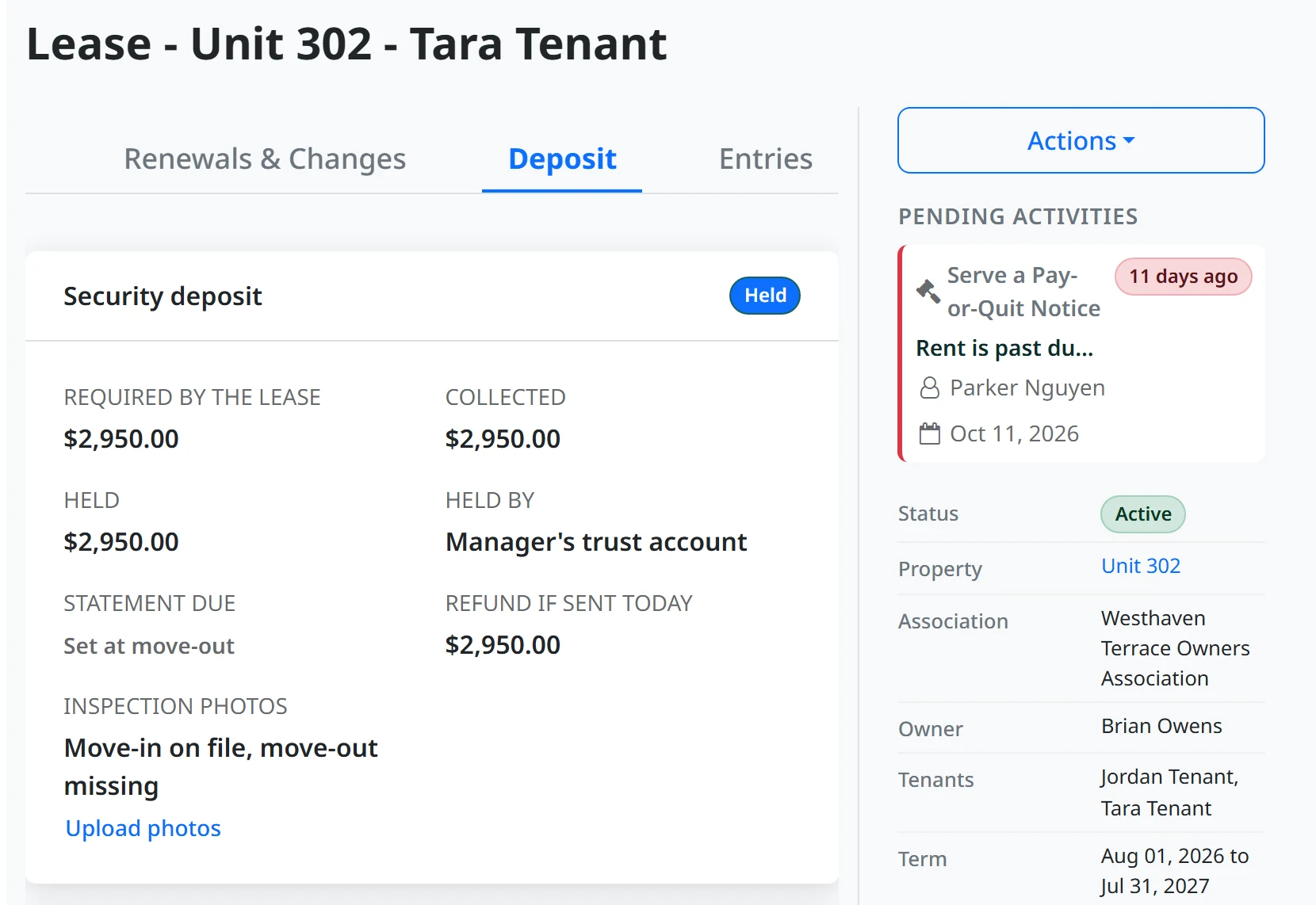
Recording the move-out sets the date the itemized statement is due, from the jurisdiction’s own number of days, and puts it on the point person’s Docket with a countdown. Each deduction carries its receipt or a good-faith estimate, and once repairs and cleaning pass the threshold where the law asks for receipts, each one needs its own.
Move-in and move-out photos sit on the lease and go out with the statement where the jurisdiction requires them. The deposit cap is checked before a lease can be sent, so an over-limit deposit never reaches a signature.
Any State
No Rule on File Is
Not the Same as No Rule.
Every clock and limit is read from the jurisdiction, with its citation. Where no state rule is on file, a conservative ResLife default stands in, so entry notices, deposit statements and pay-or-quit still work in any state. It is labeled as a ResLife default and never presented as law: the notice prints no citation for it.
The Rest of the Book
Leasing, Maintenance and the
Owner Statements.
Leasing
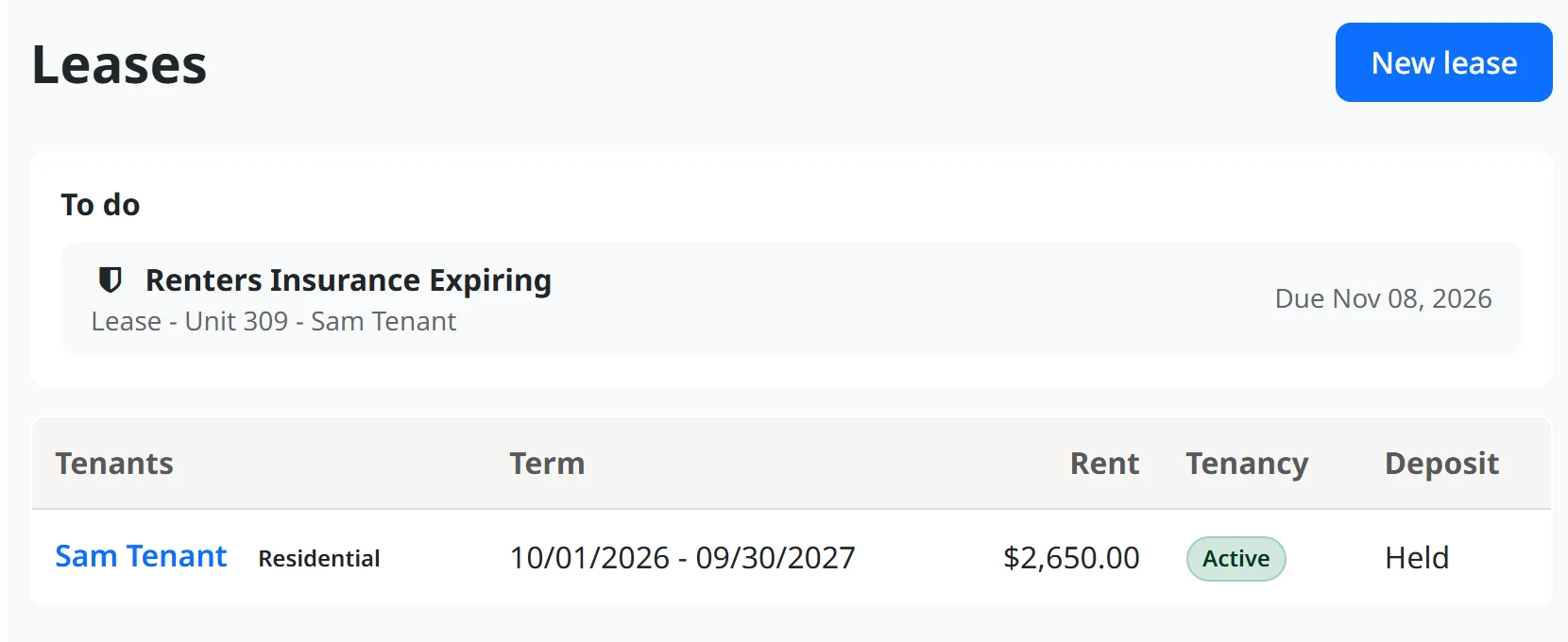
Vacant units ranked by days empty and the rent lost. Renewals decided before the landlord’s notice is due. Before a lease goes out it is checked against the deposit cap, the required disclosures and, inside an association, its minimum lease term and rental cap. Then it goes for e-signature.
Maintenance
Work orders, bids and vendor contracts on the same pages your associations use. An estimate, bid or bill above the owner’s repair limit goes to the owner to approve. A tenant’s request is triaged first, and passed to the association when the association is responsible.
Owner Statements
Each owner’s statement is issued when the month closes and sent automatically. A rent roll by owner, as of any month end. At year end, the 1099-MISC batch and its filing file, prepared from the same books.
Owners Who Rent
Renting Out Your Unit?
Your Tools Are Already Here.
If your association runs on ResLife and offers it, the landlord’s tools are in the Unit Portal you already use, free, with no separate sign-up. Run the tenancy yourself: the lease, with the same legal checks a firm’s staff get; the rent ledger, monthly statements and a Schedule E export; the deposit, with deductions, receipts and the itemized statement; entry notices; and repairs with your own vendors or the association’s approved ones.
Or hire a manager: invite one with your terms, then approve leases and spending above your limit, and read your statements in the same place.
It comes through your association, so there is nothing to buy. If yours has not turned it on, the page has a button to let your board know you want it.
The Price
Free for the Rentals
in Your HOA Clients.
A rental unit in an association you already manage on ResLife is covered by that association’s plan, so there is no second charge. Rentals outside them are $1 per door per month, paid by your firm’s rental business. Tenants never pay, and nothing is added to owners’ statements.
Rentals is added to a firm already on ResLife. There is no rental-only plan. Owners managing their own rental through their association pay nothing.
What You Stop Carrying
Nobody Has to Ask
Whose Money It Is.
At month end the answer is already in the books, per owner and per property. The deadlines that carry penalties sit on a named person’s Docket with the day they fall due, not in your head.
What Firms Ask About Rental Management.
Can we use ResLife only for our rentals?
No. Rentals is an add-on for management firms already on ResLife for their associations. Your firm adds its rental business, whether a branch, a subsidiary or a sister company, and manages any rental units, inside your HOA clients or not.
What does rental property management cost on ResLife?
Nothing for rental units inside the HOA client associations your firm manages on ResLife, because that door is already on the association’s plan. Rentals outside them are $1 per door per month, paid by your firm’s rental business. Tenants never pay.
What happens in a state with no rental rules on file?
A conservative ResLife default covers the clocks the work needs, such as entry notice, the deposit statement and pay-or-quit. It is labeled as a ResLife default and never cited as law.
How is this different from standalone rental property management software?
The rental and the association share one unit. A lease is checked against the association’s minimum term and rental cap before it is sent, owners and tenants use the same Unit Portal as the rest of the community, and your staff switch between the associations and the rental book on one login.
Bring Your Rental Book
Beside Your Associations.
Start with your associations on ResLife, then add the rentals. Or tell us about your rental book first.