HOA Resident Portal
The Answer Is Already
in Their Portal.
See where your request stands against a real due date, and what the board decided. Pay, file a request and find a document yourself. Nothing waits on a community manager opening an email first.
Comes with the paid plan, $1 per unit a month, which owners pay with their online assessment payment where a management company runs the association (what owners get for it). A self-managed association pays the $1 itself.
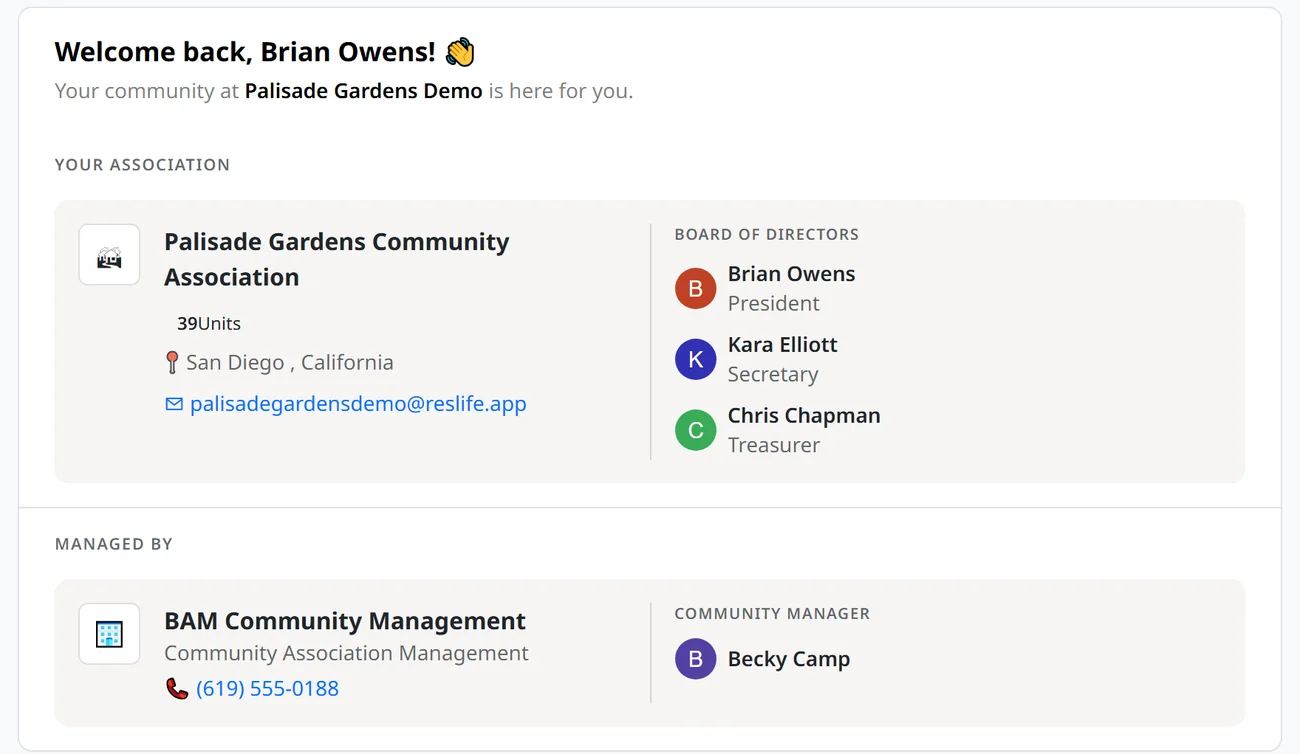
Transparency
Where Your Request Stands,
and What the Board Decided.
Requests land on a named person’s list. You start it, you can see it, and it has a date attached.
Request tracking with due dates
Every request you submit carries a deadline for the people who have to act on it. It lands on the community manager’s ResLife Docket and stays there, reminding them, until the work is done. Where your governing documents or state law set the timeframe, that is the deadline used. You track it in your Activity Center.
Documents and records on demand
Governing documents, operating rules, insurance certificates, the board roster, agendas and approved minutes. Search past minutes by term and land on the meeting where it was decided, including what the board recorded. No request, no waiting.
Unit Actions
Do It Yourself,
Without the Email.
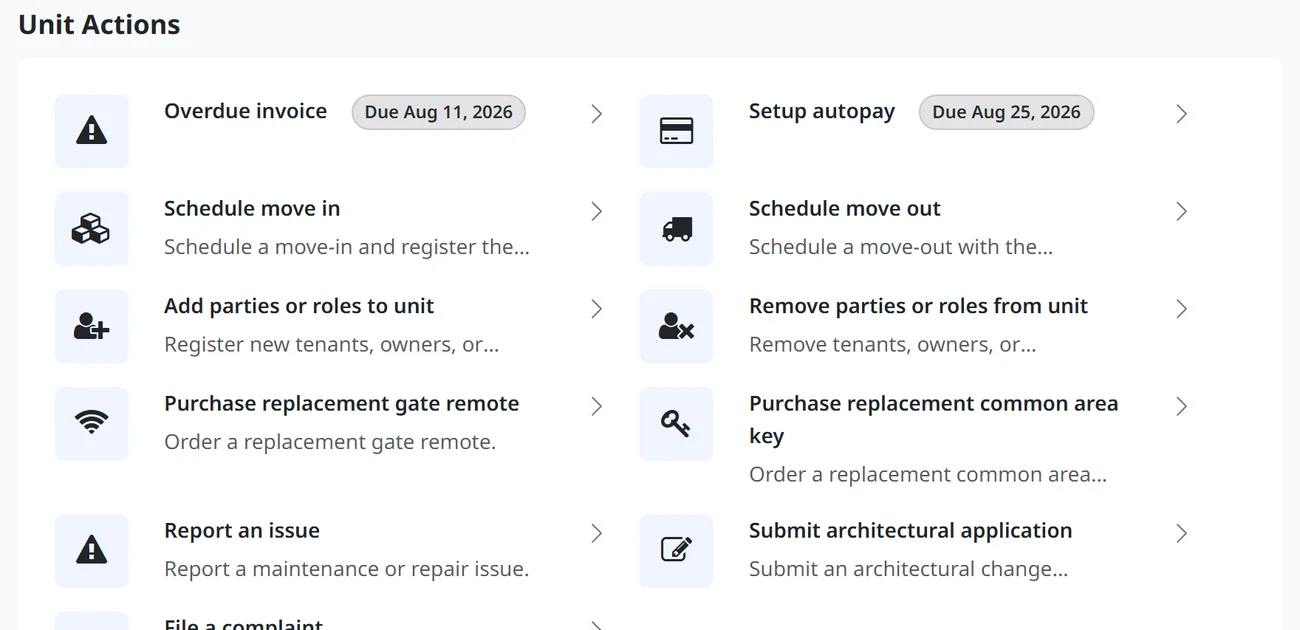
The actions your association makes available on your unit:
- Schedule a move in or move out
- Add or remove parties or roles on the unit
- Submit an Architectural Application
- Report an issue or file a complaint
- Buy a replacement gate remote or common area key
Each is a form in the portal that collects what it needs and takes payment where there is a fee. No PDF to download, fill in and email back.
Renting your unit out? The landlord’s tools come in the same portal at no charge: the lease, the rent ledger, the deposit and entry notices. ResLife Rentals.
Self-Service Payments
Assessments and Payments
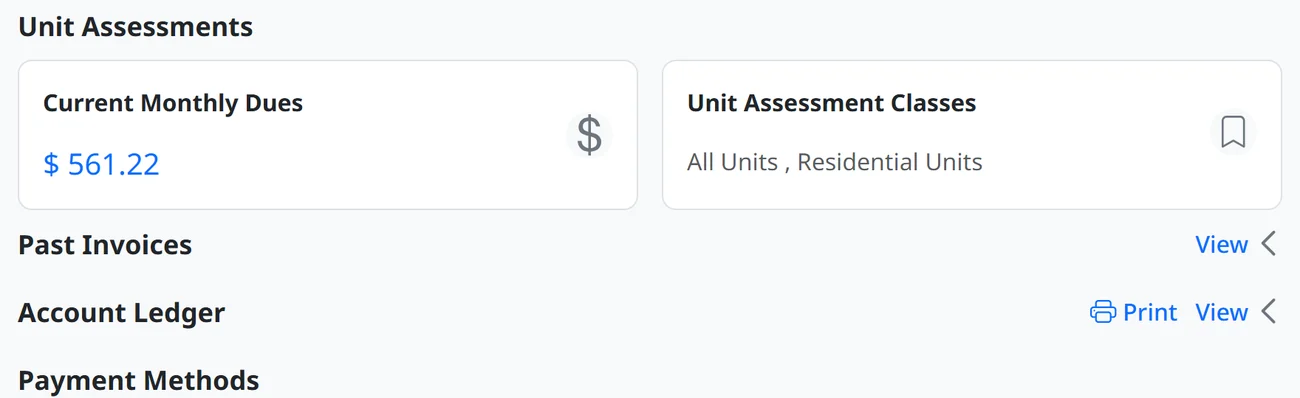
- Your balance, what is due now, and every past invoice
- Set up or cancel autopay yourself
- Print your own account ledger for a refinance or sale
- A late-fee warning while you still have time to pay
- Request a payment plan; it goes to the board as an agenda item and is heard in closed session
A payment plan request does not pause what you owe, and the portal says so before you submit.
For Your Manager and Board
What This Does for Your Manager and Board
The same three minutes you were going to spend writing an email, spent somewhere it counts. Most boards are made up of owners.
| You | They stop |
|---|---|
| Check your balance | Fielding the “what do I owe” call |
| Submit a Unit Action | Re-keying a PDF form into the system |
| Track it in your Activity Center | Answering the same request three times |
| Print your own ledger | Assembling escrow paperwork by hand |
| Search the minutes | Re-answering it before every meeting |
| Keep your Architectural Application approval on your unit | Losing an argument about a prior owner’s permission |
Questions
Who can see what I submit?
Your association’s staff and board, not your neighbors. Documents are scoped by role. Anything about your individual account, such as a payment plan request, is heard in closed session rather than on an open agenda.
My association already has a portal. How is this different?
Most portals show a balance and give you a contact form, and the form becomes an email. A Unit Action is the work item itself: it carries your unit, your role, your documents, and your payment, it opens the correct process, and it has a due date attached to it.
I am on the board. Can we control what owners can do?
Yes. Each Unit Action is switched on per community and limited to the party types you choose, so owners, tenants, and board members can each be given a different set.
Bring This to Your Community.
The association portal is free to use, with no trial and no credit card. The owner portal comes with the paid plan.